
Based on public supplier documentation and editorial analysis, not hands-on testing. Confirm current plan features and commercial terms before buying.
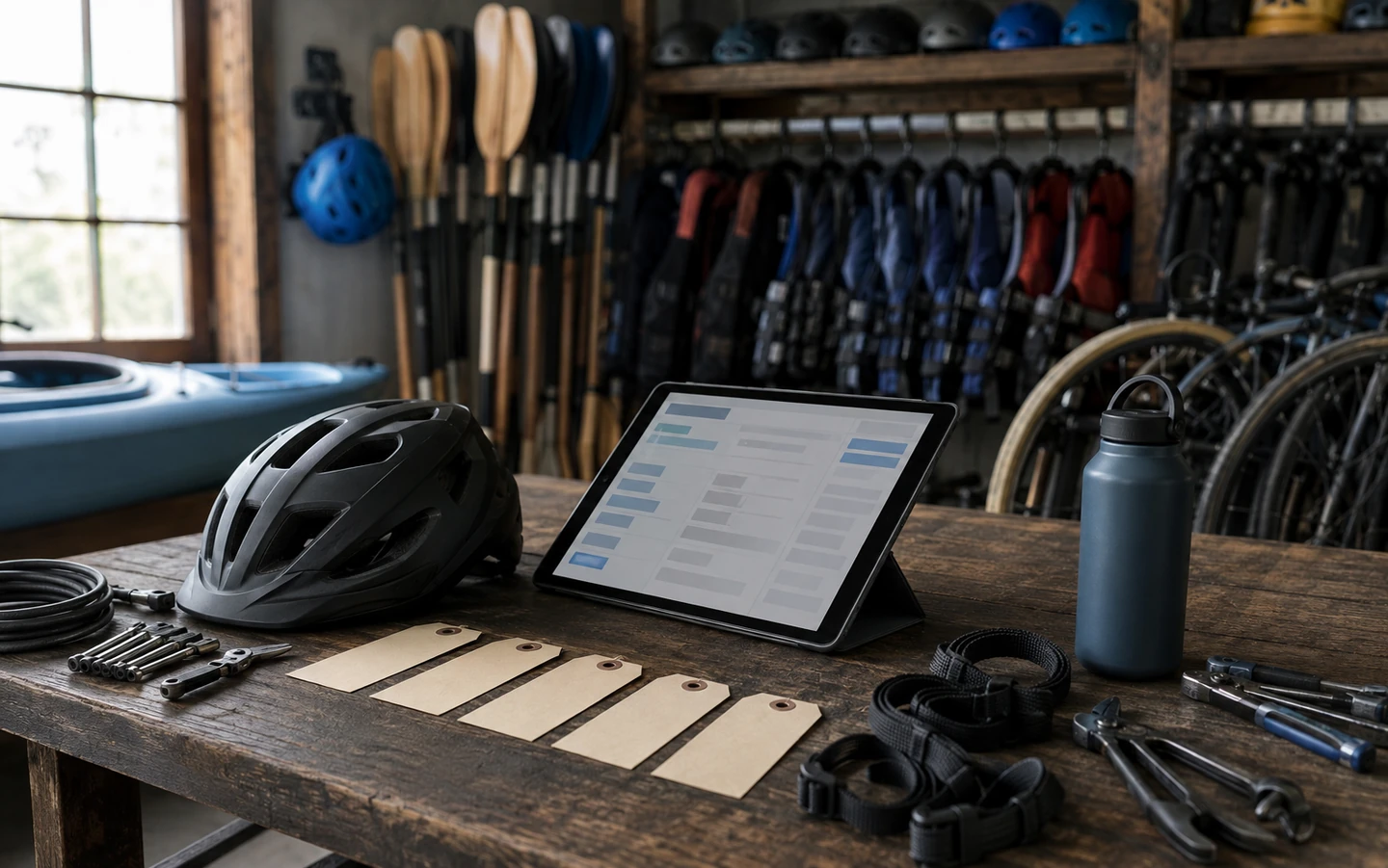
It is 17:30 and three bikes have not come back. Tomorrow at 09:00 a family has booked two medium bikes and a child seat, and you are not sure you will have them. One of the bikes that did come back has a buckled wheel.
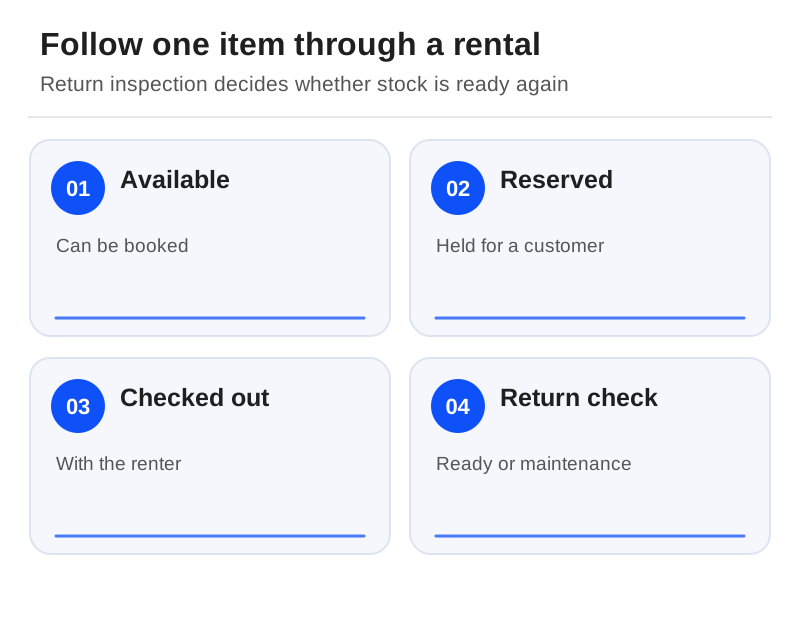
A tour calendar is built to answer one question: how many places are left? A rental business needs to answer several more. Which item is out, when is it due, is it fit to go out again, and who is affected if it is not? This guide follows a single bike through its day to show which software answers those questions, and how to test it before you trust it with your fleet.
Morning: the bike leaves the shop
Booqable thinks like a rental shop
Booqable documents individually tracked and bulk stock, variations such as bike size, buffer time, pickups, returns and downtime scheduling. Its feature page also describes a late-return view and product history for each item. That is the vocabulary of a hire business, and a good reason to evaluate it before you try to make a ticket calendar behave like a rental ledger.[4]
Budget carefully, though. All three plans (Start, Grow and Scale) give you unlimited inventory and orders, and none charges booking commission. Grow adds user permissions, e-signatures and advanced pricing; Scale adds activity logs and options for additional locations. The Mobile App, Barcodes and Website Builder are add-ons billed separately. Because the 14-day, no-card trial includes features and add-ons, a smooth trial does not mean everything you used is in Start. Monthly and annual subscriptions are both available, and payment processing depends on the plan, provider and method, so confirm the currency and term before relying on any displayed price.[3][5]
Checkfront handles fleets that do two jobs
If the same kayaks go out on hire in the morning and on a guided paddle in the afternoon, Checkfront belongs on the list. It documents resources shared across experiences, plus daily, multi-day, timeslot and flexible-time bookings.[1][6]
Its pricing page displays $99/month plus a 3% online booking fee, says offline bookings carry no fee, and separately states there is no additional OTA booking fee. It also warns that pricing varies by region and currency. Treat that dollar figure as a starting point for a local quote, and do not read it as free payment processing.[7]
Tour-led systems with rental features
Peek Pro's boat material describes adjusting availability for maintenance. FareHarbor covers rental and tour operations with assisted onboarding. Rezdy Foundation lists centralised resource management. All three are valid starting points when the wider tour operation is your priority, but none of those statements proves item-level history or returns handling to the same depth.[8][9][10]
Midday: the customer books a size, you hand over a bike
Here is an illustrative setup that exposes how a system handles stock. Customers book a medium bike; at collection, staff allocate a specific, uniquely identified bicycle. Add a helmet to the booking too. Complete a morning hire, then create an afternoon booking that draws on the same pool. Build in your real inspection and charging time between the two.
If the system treats a medium bike and bike number 14 as the same thing, or forgets the helmet, you will see it here, long before a customer does.
Evening: the bike is late
Now extend that morning hire past its return time. Write down which future booking is now at risk, what warning your staff see, and whether online availability changes. Booqable documents visibility of late orders, but seeing the problem is not the same as solving it: the software will not necessarily resolve the next customer's shortage on its own. Someone still needs to decide what happens at 09:00.[4]

Next day: the bike goes into the workshop
Mark a bicycle as damaged while it still has future hires reserved. The pass condition is not a red block on a calendar. It is a list of affected bookings and a clear action for each: reassign the item or contact the customer. With category stock, check that the available quantity drops correctly. With item-level reservations, check that you can see exactly which booking needs a substitute.
Booqable documents downtime scheduling and product history. Confirm which tier and staff permissions you need to use them, and do not mistake them for a full workshop or statutory inspection system.[3][4]
The deposit and the paperwork
A hire charge and a security deposit are different things, and so are a deposit payment and a card hold. Booqable documents refundable deposits and Stripe pre-authorisations, but how long a hold lasts and whether it can be captured depend on your payment arrangement. Confirm the provider, your country, how deposits are released, and who has authority to charge for damage before you promise a policy to customers.[4]
The same goes for waivers. A digital waiver captures a record; it does not prove that the wording is legally sufficient. Agree who can retrieve signed waivers and how long you keep them.
The handover test
End your trial the way you end a working day: hand the next shift a list of overdue, damaged and unpaid rentals. If producing that list still needs a separate spreadsheet, that spreadsheet is a process you will be running and paying for in staff time. Count it in the decision. When you are ready to compare full costs, the pricing guide shows how to line up quotes fairly.
Sources
Official documentation supporting this guide. Prices and availability may change; an access date is not a supplier publication date.
- Checkfront Booking Software: official source
- Booqable Rental Software: official source
- Booqable Pricing And Add Ons: official source
- Booqable Rental Features: official source
- Booqable: Choosing A Pricing Plan: official source
- Checkfront Features: official source
- Checkfront Pricing: official source
- Fareharbor Booking Platform And Onboarding: official source
- Rezdy Pricing And Plan Comparison: official source
- Peek Pro Boat Tour Software: official source
Related guides and tools
Boat and fishing tour software: compare manifests, charters and weather changes
Compare boat-operation features, then rehearse a vessel conflict, a crew handover and a mixed weather cancellation.
Walking and food-tour booking software: guides, guest notes and late changes
Choose around direct sales or distribution, shared guides, current meeting instructions and acknowledged guest requests.
Escape-room booking software: compare private games, reset time and payments
Compare documented game types and group payments, then protect room reset time and game-master availability.
Printable demo and migration checklists · Create a requirements checklist