
Based on public supplier documentation and editorial analysis, not hands-on testing. Confirm current plan features and commercial terms before buying.
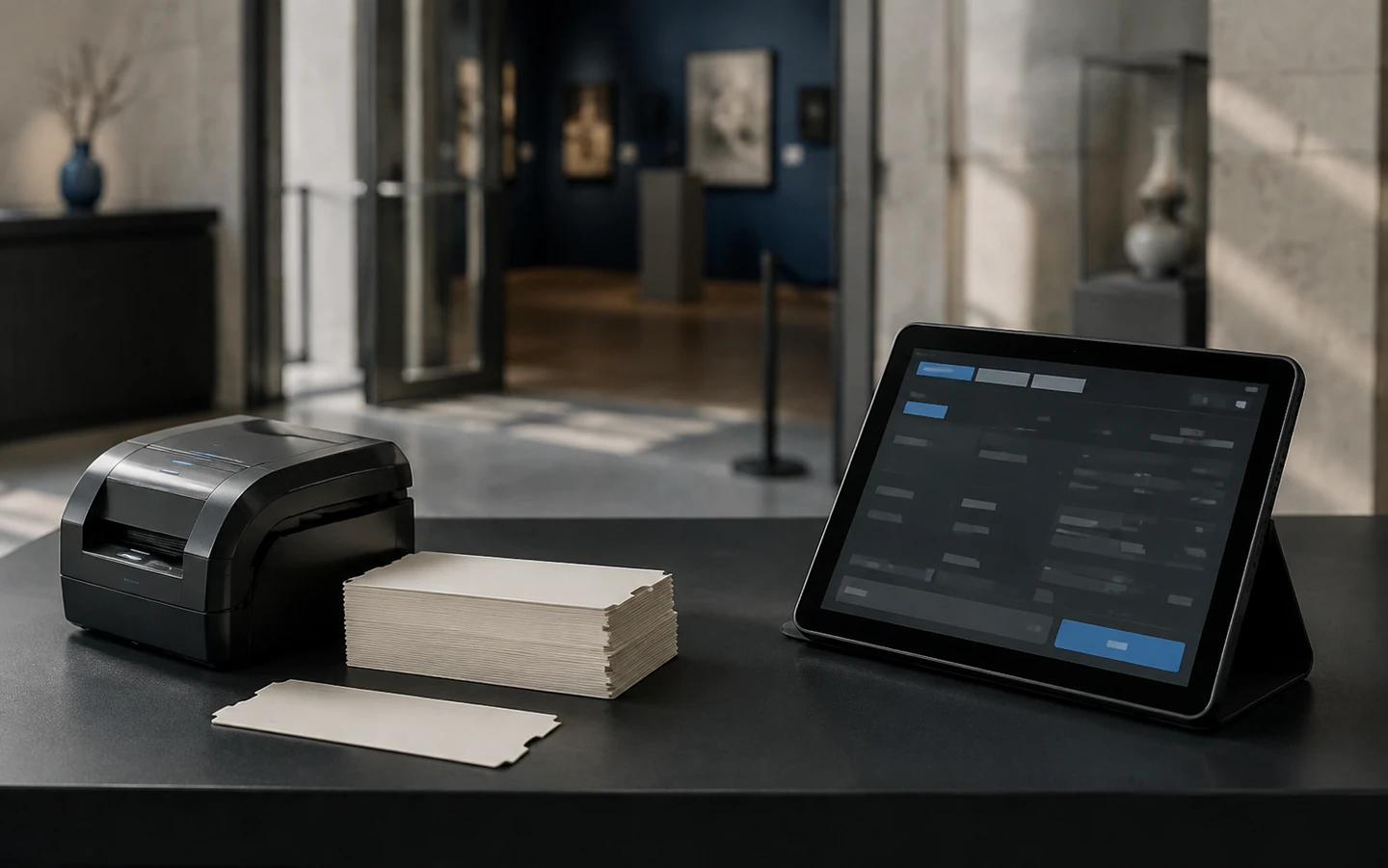
Thirty-two pupils and three teachers are queuing at the entrance. Their booking is for 10:00 general admission plus the 10:30 special exhibition. One teacher's ticket was cancelled last week and reissued. Behind them, a family is trying to use yesterday's tickets. And the front-desk Wi-Fi has just dropped.
For an attraction, the booking page is the easy part. The moment that matters is the scan at the gate, and everything that can go wrong there. So this guide works backwards from the entrance: first defining what a ticket actually allows, then comparing the systems, and finally running the tests that matter before you buy any hardware.
Before you compare anything: write the rule behind each ticket
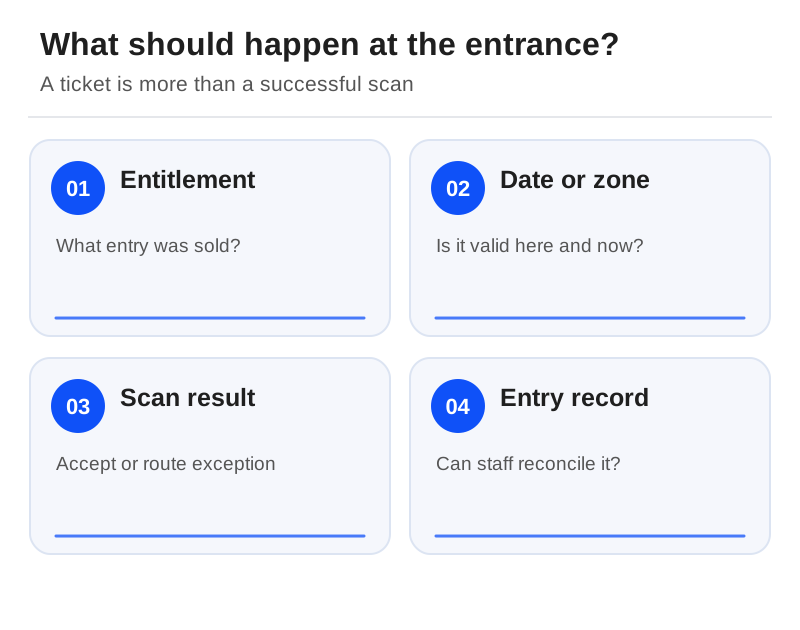
Every ticket type is really a rule. Write each one down: the date and time it is valid, how many people it admits, whether re-entry is allowed and when it expires. You will quickly discover that some purchases draw on two capacities at once. A timed exhibition plus general admission is two entitlements, not one. A school reservation can hold places before its invoice is paid.
Then list the things that look like tickets but are not. Memberships, annual passes, donations, and gift aid or tax reporting are separate requirements. A vendor that sells tickets has not necessarily solved those accounting and entitlement workflows. If you keep a specialist membership system, decide which system holds the truth and who reconciles the two.
Four systems, four different strengths
TicketingHub lists QR scanning on iPhone, iPad, Android, 2D scanners and turnstiles, plus POS hardware and group handling. Its 3% pricing applies to card, cash and marketplace transactions, with no monthly or setup fee. That is an appealing structure when fixed costs worry you, but note that cash takings at a busy counter still count towards the fee.[6][4]
Regiondo Grow includes tickets and a mobile scan app; Pro adds barcode upload and management and custom ticket PDFs. Its venue and seating planner is marked as coming soon in the plan comparison, so do not choose it on the assumption that the feature already exists. The plans carry a one-year contract.[2]
FareHarbor documents offline ticket check-in in its mobile app, on its boat page. That is a capability to investigate for admissions, not proof that it handles your duplicate-entry rules. Xola publicly lists waitlists and gated entry; ask for a demonstration of those specific rules before you commit.[3][5]
The gate test
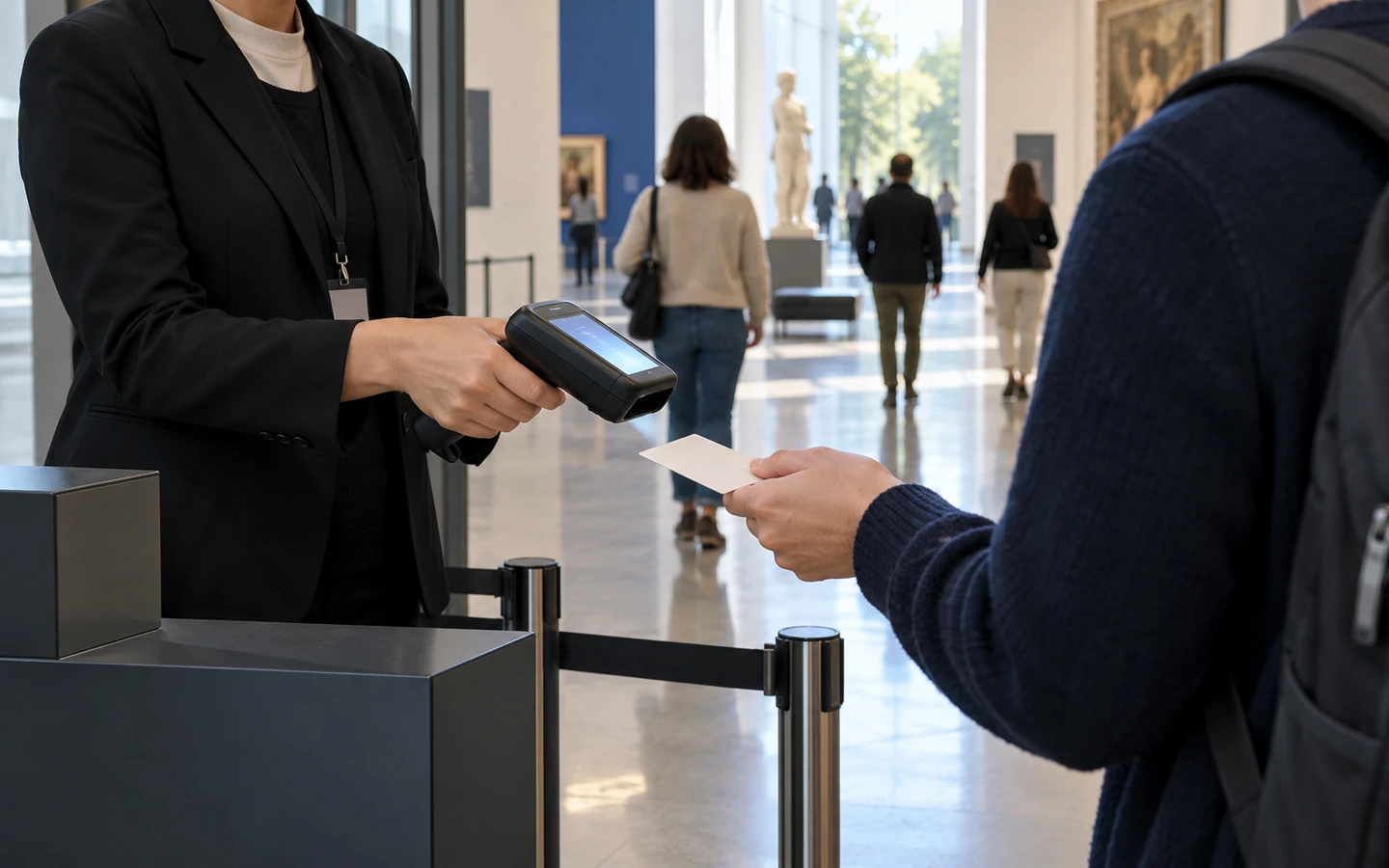
Prepare four test tickets, using only the supplier's permitted method: one valid, one already used, one for the wrong session and one cancelled. Scan each with the hardware you intend to buy, logged in as front-desk staff. For every scan, the staff member should see a clear decision and know when a supervisor may override it.
Then test the last place. Sell the final available ticket online while the counter tries to sell the same one. Repeat with a group reservation. A successful checkout means nothing if two channels can both consume the last unit of capacity. Record what you saw and how the system was configured, rather than ticking a box for "has scanning".
When the Wi-Fi drops
Disconnect a test device using the supplier's approved procedure, and note three things: can it still validate a ticket that was downloaded earlier, can two offline devices both admit the same ticket, and what happens when they reconnect? Offline scanning, offline payment and live shared capacity are three different capabilities, and a product may have one without the others.
Wherever something is unverified, write a fallback and name the people in it: who pauses online sales, who records admissions by hand and who reconciles the exceptions afterwards. Do not tell staff the system works offline just because it has a mobile app.
The counter costs money too
Your budget needs more than a subscription line. Include supported scanners, printers, payment terminals, connectivity and spare equipment, and keep track of which supplier is responsible for the hardware and its warranty. TicketingHub's transaction-based pricing and Regiondo's subscription-plus-online-fee model will behave very differently across a seasonal attraction's year, so model both a quiet month and a peak one. Our pricing guide shows how.[6][2]
Finally, check that the payment methods you need are actually available to your merchant account. A method supported in one country is no evidence it is supported in yours, so confirm the country and settlement currency before you order any equipment. Then choose the system that handled your real entry exceptions and your group bookings, and let the queue at your gate be the judge.
Sources
Official documentation supporting this guide. Prices and availability may change; an access date is not a supplier publication date.
Related guides and tools
Boat and fishing tour software: compare manifests, charters and weather changes
Compare boat-operation features, then rehearse a vessel conflict, a crew handover and a mixed weather cancellation.
Walking and food-tour booking software: guides, guest notes and late changes
Choose around direct sales or distribution, shared guides, current meeting instructions and acknowledged guest requests.
Equipment rental software: compare stock, returns and shared bookings
Booqable and Checkfront lead different rental evaluations: item returns and downtime versus stock shared with activities.
Printable demo and migration checklists · Create a requirements checklist